


Kids Go Kart Dashboard Symbols: Use the Exact Model Instructions
Kids go kart dashboard symbols should be interpreted through the actual vehicle's instructions, not a chart borrowed from a car or a different toy. A panel photograph may show a display without explaining what its symbols mean. Identify the model and record the observation while stationary. Do not let a child continue riding while an adult guesses whether an unfamiliar indication matters.
Identify the kids go kart dashboard symbols on the correct model
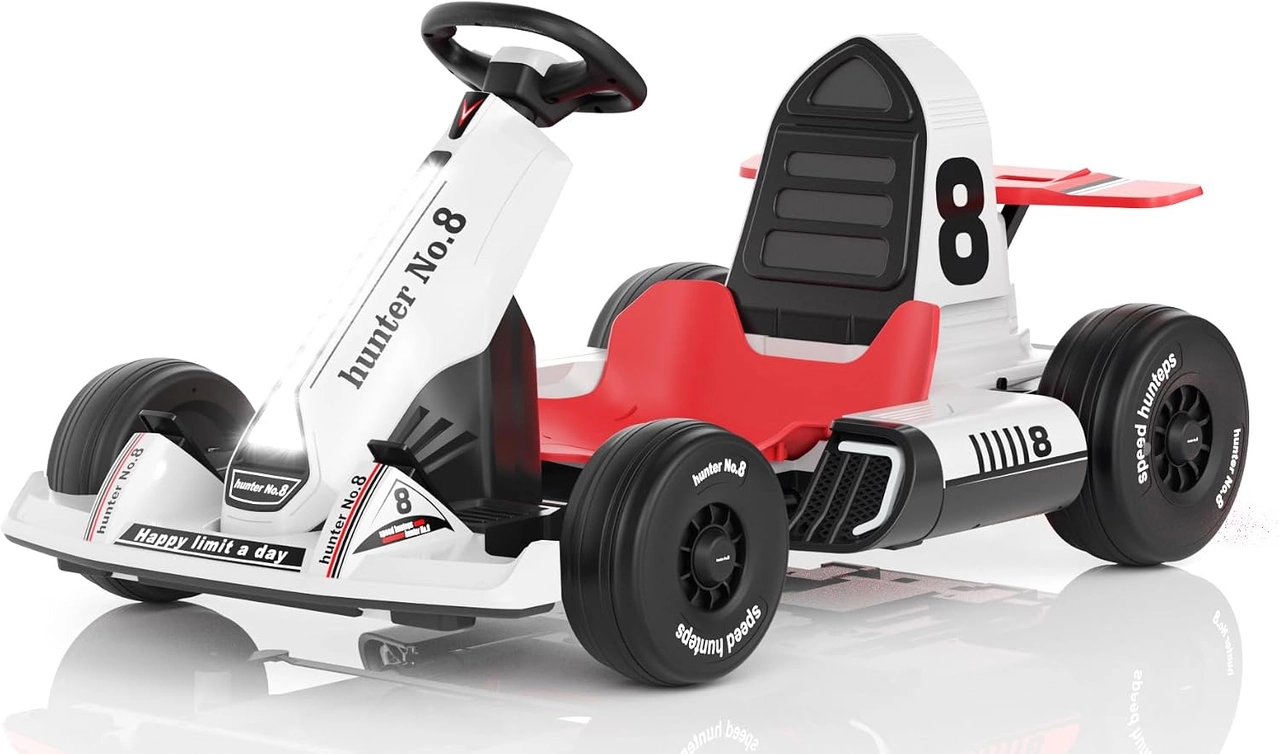
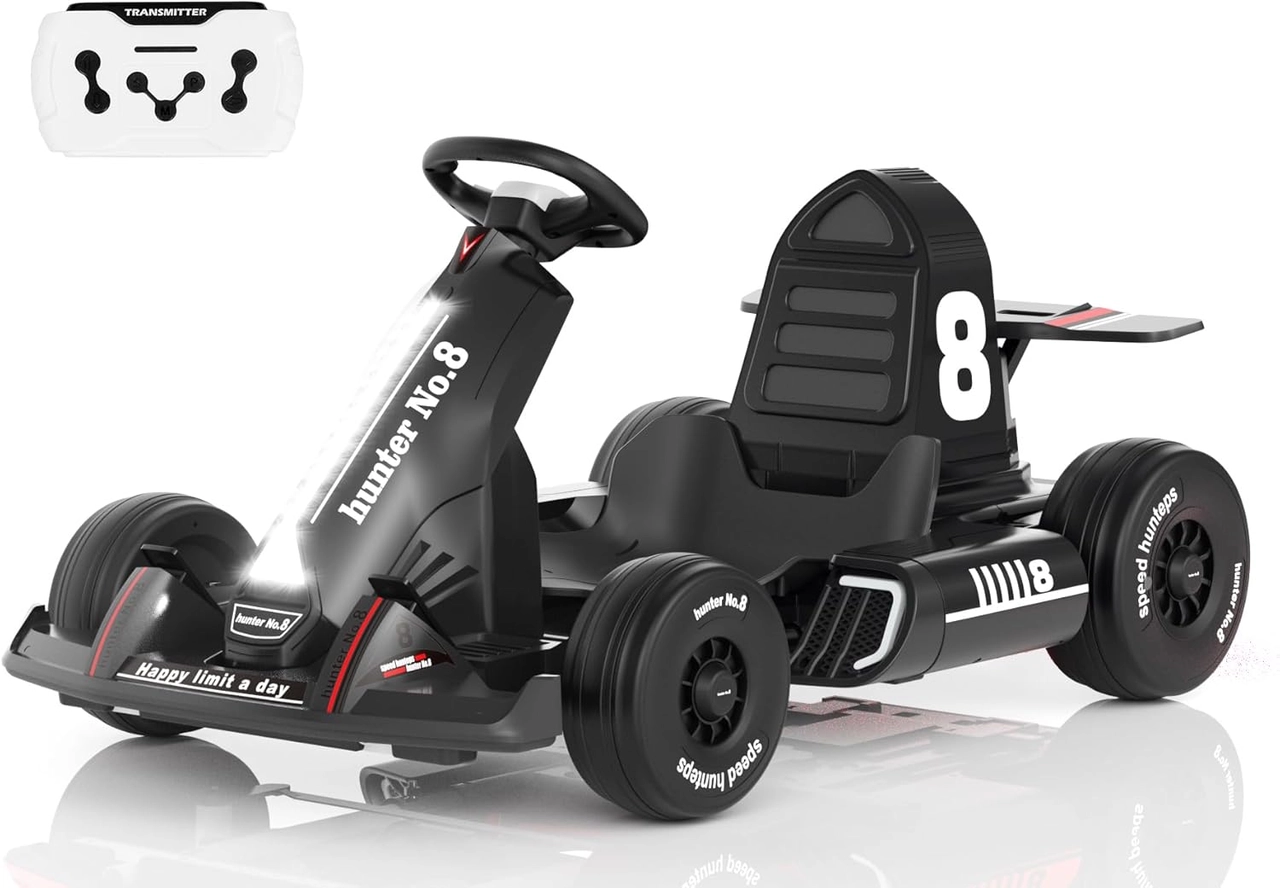
The White 12V and Black 24V configurations list visual panels, Bluetooth and FM features. Those listings do not establish an identical display, warning system or menu layout. Obtain the exact manual and compare the observed symbol with its explanation. The battery-voltage label does not prove that a particular number shown on the panel is a direct battery-voltage reading.
Separate entertainment functions from operating information
A music control, selected mode and an operating warning may have different meanings, but their appearance must be confirmed from the actual instructions. Do not present an invented icon key or declare a light harmless because it is near an audio button. Keep entertainment setup an adult-managed stationary task rather than asking the child to look down while controlling the vehicle.
Record uncertainty for support rather than testing movement
Take a clear stationary photograph and note when the indication appeared, the selected mode and any other unusual behavior. Follow approved shutdown guidance and keep the child out during investigation. Send the exact model details to the seller. Do not press unfamiliar combinations, open the panel or keep accelerating to see if a symbol disappears.
Complete the required checks before resuming
Use only model-specific troubleshooting and competent service for uncertain electronics or control issues. Check the complete vehicle as instructed after any approved intervention. Resume in permitted clear space with close adult supervision only when the meaning and relevant response are established. A panel's presence does not promise diagnostics for every problem or make ordinary mechanical and restraint checks unnecessary.
Model details relevant to this task
The linked White 12V and Black 24V pages offer real visual-panel examples with remote/manual operation and wrap-style belts. They are not used to invent a shared dashboard dictionary. Ask for missing display documentation before relying on a symbol to assess readiness or remaining use. The linked model details are available for XJD Electric Go Kart for Kids – White 12V, XJD Electric Go Kart for Kids – Black 24V.
Quick checklist
- Identify the exact vehicle.
- Obtain its display instructions.
- Photograph unfamiliar indications stationary.
- Keep children out of troubleshooting.
- Resolve uncertainty before use.
Common questions
Can an icon guide from another ride-on be used automatically?
No. Similar symbols or displays can have different meanings and functions across models.
Does a visual panel establish a precise remaining runtime?
No. No such function is confirmed here. Read the actual display documentation rather than assuming it.
Related collections
The panel-equipped children's karts and 12V ride-on layouts and 24V ride-on layouts provide further model details. Check the exact selected configuration when planning fit, handling and care.
Before the next outing
Interpret kids go kart dashboard symbols with the correct manual and exact-model support. Useful information begins with a verified meaning, not an attractive panel or a guessed warning code.