


Kids Go Kart Phone Use: Park Before Looking at a Screen
Kids go kart phone use needs a simple boundary: the vehicle is parked before anyone checks a screen. A phone used for music, a video or a photograph can pull a child's hands and eyes away from steering. The same boundary matters for the supervising adult. During a session, watching the route and rider takes priority over messaging, filming or arranging the next playlist.
Set the kids go kart phone use boundary before driving
Explain that the phone stays with an adult, outside the child's driving space. Agree how the child asks to stop if they want to change an activity. Do not attach an improvised phone holder to the steering wheel or place a device on the lap. Secure loose cables and accessories away from the cockpit before the child is seated.
Handle entertainment while the kart is parked
Some karts provide Bluetooth/FM audio and a visual panel. If the exact model permits a setup, an adult should complete it according to the instructions before driving begins. A function screen is not an invitation to watch video or browse while moving. If using audio creates a need for repeated adjustments, leave it off and keep the driving session separate from entertainment.
Give the parent remote undivided attention
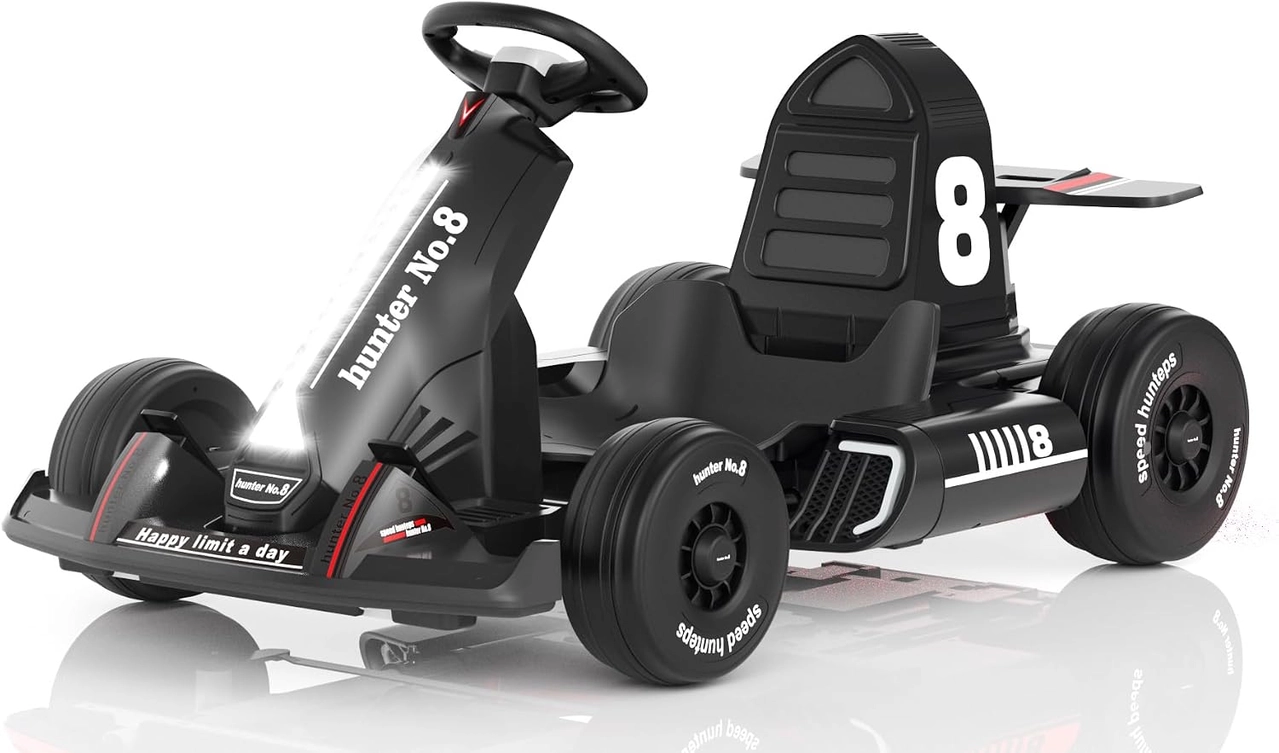
The black XJD 12V kart lists manual driving and parent-remote modes. Check which mode is selected and how the real stopping function operates before use. A supervising adult should not try to scroll a phone while holding a controller or assume the remote makes a video shoot safe. Keep continuous attention on the child, vehicle and whole permitted driving area.
Use a proper pause for photos and messages
When a picture or message is necessary, stop the kart through its specified procedure, park on suitable level ground and turn it off. If the adult must deal with a longer interruption, end the session and keep the child safely supervised away from an active vehicle. Before restarting, put the device away, confirm the area remains clear and repeat the control checks.
Model details relevant to this task
The linked black 12V XJD example includes onboard entertainment, a wrap-around seat and a reinforced belt. Those features do not establish a safe place to hold a phone or a permission to multitask. The actual control mode and stopping instructions should be familiar without either adult or child needing to read a screen while driving. The linked model details are available for XJD Electric Go Kart for Kids – Black 12V.
Quick checklist
- Keep the phone outside the driving space.
- Complete permitted audio setup while parked.
- Avoid homemade screen mounts and loose cables.
- Give supervision and remote use full attention.
- Switch off before photos or longer interruptions.
Common questions
Can a child hold a phone if the parent drives remotely?
Do not combine screen use with movement. It can interfere with posture and attention even in parent-control mode; keep entertainment for a stationary break.
Can I film while supervising?
Do not let filming divide the responsible adult's attention. Park for a photo or have another adult handle documentation without replacing active supervision.
Related collections
The 12V go kart control configurations and children's go kart models provide further model details. Check the exact selected configuration when planning fit, handling and care.
Before the next outing
A clear kids go kart phone use rule makes the outing easier to supervise: park, switch off and then look at the screen. Keep both the child and the responsible adult's attention available during movement.