


Kids Go Kart Remote Battery Cover Missing: Replace It?
A kids go kart remote battery cover missing from the controller can expose batteries to small hands, moisture and impact or let cells lose contact while an adult sends a command. Tape over the opening is not a dependable replacement. Remove the batteries, keep the child out of the kart and identify the exact approved cover or replacement remote before use.
Remove cells and inspect safely
With the kart off, take batteries out according to their instructions and keep them away from children. Check the compartment for a broken latch, cracked housing, bent spring, corrosion, debris or cells that leaked or became damaged. Do not touch residue bare-handed or bridge the contacts with a metal tool.
Do not improvise enclosure and pressure
Tape can loosen, leave adhesive inside and press cells unpredictably. Cardboard, foil, rubber bands or a screw from another device can damage contacts or create a short. The cover may provide correct retention and polarity protection as well as closure, so match the remote model and fastener exactly.
Choose a compatible approved solution
Ask the manufacturer whether the cover is supplied separately. If the housing or latch is damaged, replace the complete approved remote rather than transferring parts between similar controllers. Frequency labels alone do not establish compatibility; pairing, command layout and stop behavior must match the exact go kart.
Pair and verify without a child
Install the specified fresh cells without mixing ages or types, secure the replacement cover and follow the model's pairing sequence. Test every required command with the kart safely positioned and no child seated. A remote that disconnects, repeats, delays or sends the wrong response remains out of service.
How the current product examples fit
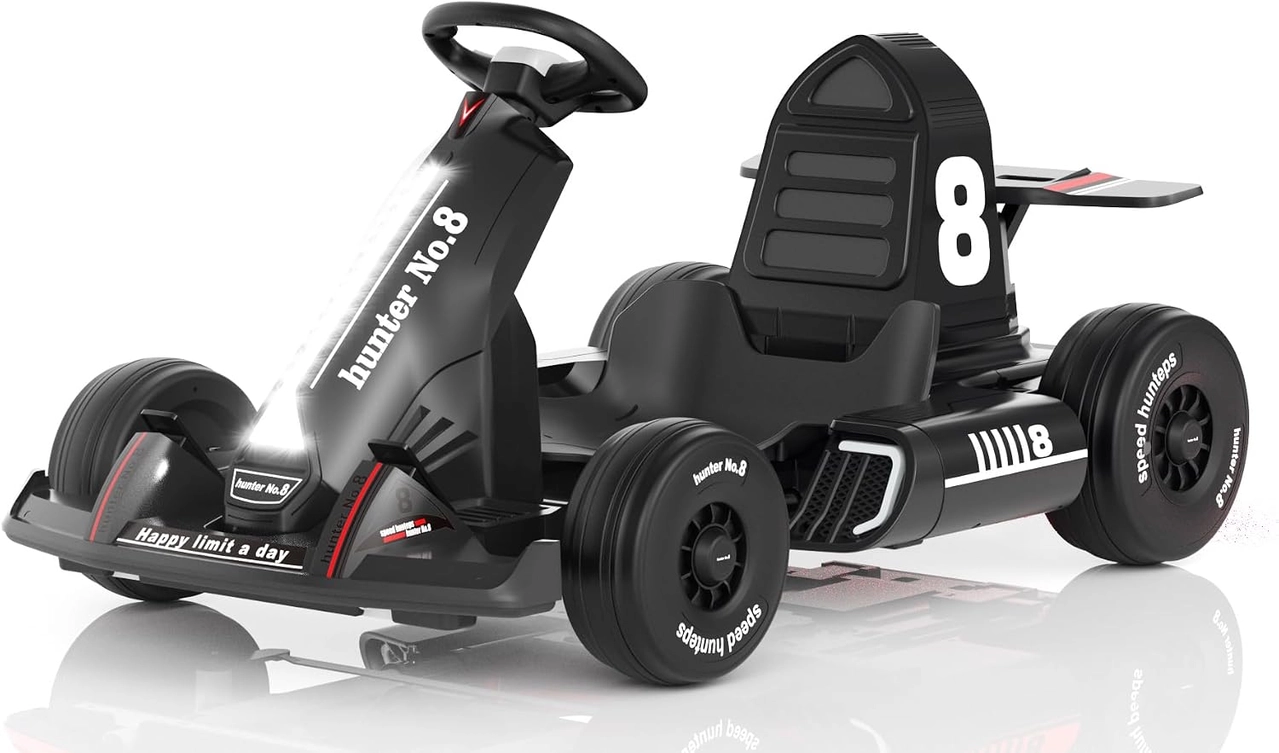
The black XJD 12V go kart includes a parent remote alongside manual controls. That controller is supervisory equipment, so its battery compartment, buttons and pairing need to be complete and reliable before a lesson depends on it. See XJD Electric Go Kart for Kids – Black 12V for the exact current options and specifications.
Quick checklist
- Remove exposed batteries.
- Keep loose cells away from children.
- Use no tape, foil or rubber band.
- Match the exact cover or remote.
- Test every command without a rider.
Common questions
Can tape hold the batteries for one ride?
No. It does not provide the designed enclosure or reliable cell retention and can fail during use.
Can the child use manual mode while the remote is incomplete?
If the instructions or supervision plan require the remote, keep the kart parked until it is restored and verified.
Explore related guides
Use the 12V go-kart collection and kids go-kart collection to compare other suitable configurations without assuming every model has the same features.
Bottom line
A small remote cover protects both electrical contact and child access. Restore the exact enclosure and prove pairing and commands before treating the controller as dependable supervision.