


Kids Go Kart Remote Button Stuck: What to Do
A kids go kart remote button stuck in a pressed position, slow to return or responding intermittently makes supervision unpredictable. Do not test it while a child is seated or while the kart can move. Turn the vehicle off, remove the remote batteries according to their instructions and keep both controls out of use until the physical button and every required command operate normally.
Describe the fault with power removed
On a dry table, observe whether the button sits lower than the others, feels tilted or fails to spring back after one gentle press. Check the housing seam and battery cover for damage. Do not repeatedly mash the control, pry around it with a knife or strike the case; those actions can damage a switch or cause a stored battery to shift.
Look for external contamination only
Inspect for crumbs, sand, sticky residue, corrosion or signs that liquid entered the remote. Wipe only the outer surface using the manufacturer's approved method. Do not spray cleaner, water or lubricant around a button, and do not open a sealed housing. Leaking or corroded batteries require safe handling under the battery maker's directions.
Replace unreliable controls
A button that remains sticky after approved surface cleaning, a cracked case or an intermittent switch calls for manufacturer service or a compatible replacement remote. Do not bypass the button, bridge contacts or substitute a controller merely because it uses the same frequency label. Pairing and stop behavior must match the exact kart.
Test commands without a rider
Install the correct fresh cells without mixing types or ages, close the compartment and follow the documented pairing sequence. With the child away and the kart positioned safely, verify stop, direction and speed commands in the required order. Any delayed, repeated or unintended response means power should be removed and the system kept out of service.
How the current product examples fit
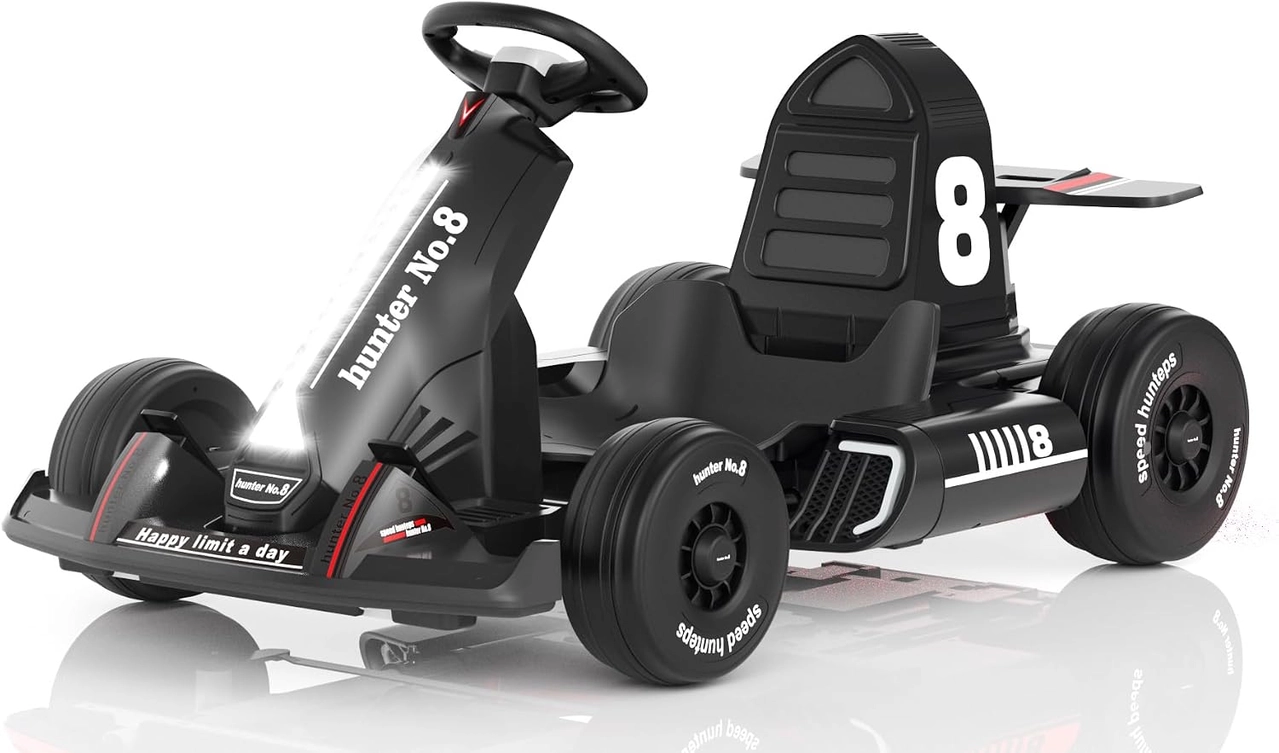
The black XJD 12V go kart includes both child controls and a parent remote. The remote is a supervisory part, not a toy accessory, and its buttons and pairing must remain dependable for the chosen operating mode. See XJD Electric Go Kart for Kids – Black 12V for the exact current options and specifications.
Quick checklist
- Never test with a child seated.
- Remove batteries before inspection.
- Keep liquid and lubricant outside.
- Replace cracked or intermittent controls.
- Verify every command after pairing.
Common questions
Can I keep using the kart in manual mode?
If the product instructions or supervision plan require the remote, no. A failed required control should be restored before use.
Will tapping the remote release the button safely?
No. Impact can move batteries or damage electronics and does not repair the switch.
Explore related guides
Use the 12V go-kart collection and kids go-kart collection to compare other suitable configurations without assuming every model has the same features.
Bottom line
A supervisory command must be deliberate and repeatable. Isolate a sticky remote, avoid liquid or improvised internal work and prove every function without a rider before returning the kart to service.