


Kids Go Kart Start Button: Stop Repeated Unplanned Starts
A kids go kart start button should behave as the exact model's instructions describe. If the vehicle repeatedly starts unexpectedly, the control feels damaged or the child keeps activating it unintentionally, pause use. Separate ordinary control learning from a possible fault before anyone resumes driving. Repeated button presses are not a safe diagnosis.
Identify the kids go kart start button function
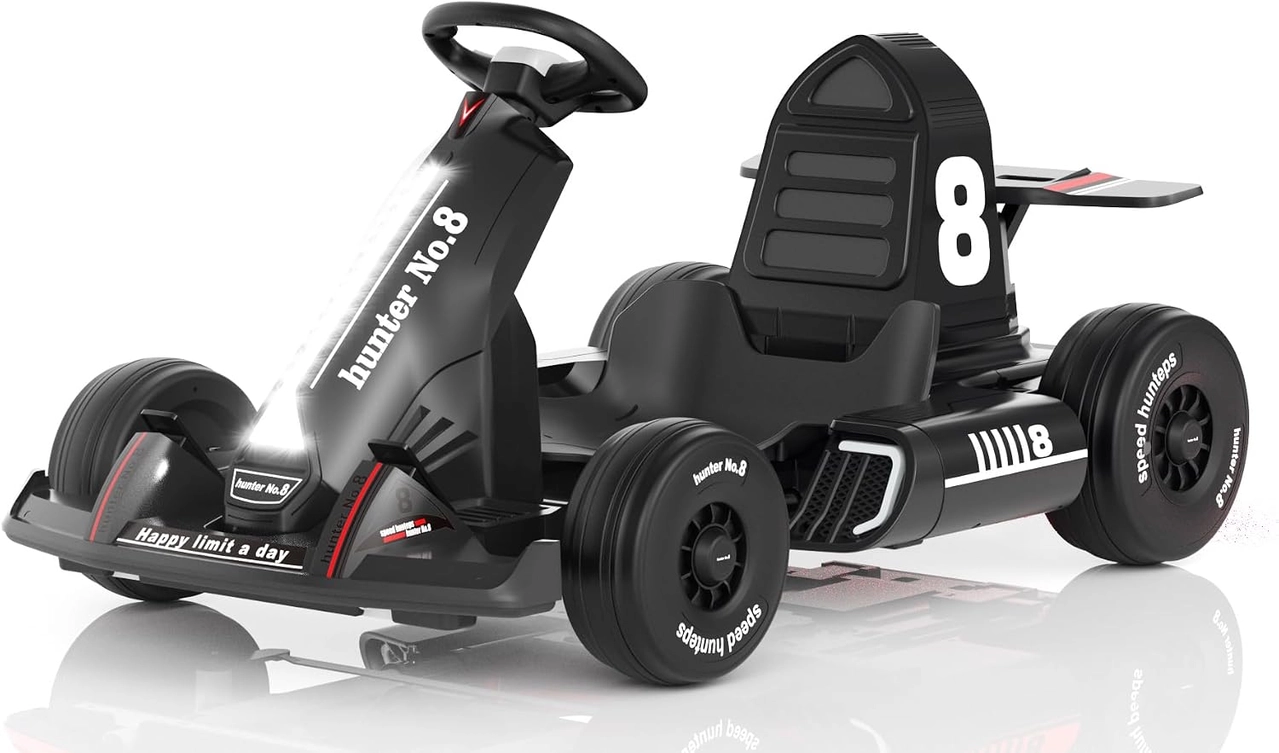
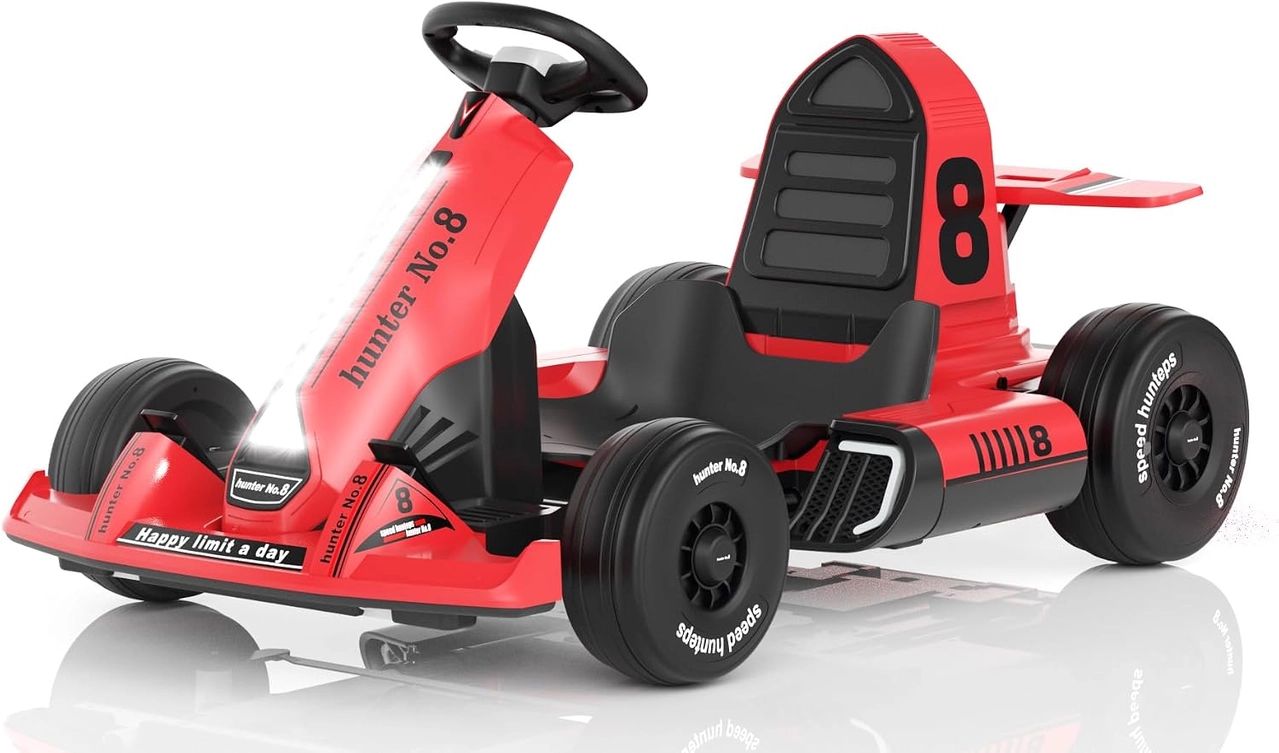
Check the supplied manual for the actual control layout. The Black and Red 12V XJD listings describe manual driving, a parental remote and a visual function panel, but that does not establish a universal power-button sequence. Do not copy a reset or startup procedure from a different ride-on. Ask the manufacturer to identify any control whose purpose is unclear.
Keep the rider out during a fault assessment
Follow the model's shutdown procedure and secure the vehicle while an adult inspects visible controls. Record what happened without repeatedly reproducing unexpected movement. A cracked switch, wet area, unusual smell or uncertain response needs manufacturer guidance or qualified service. Do not bypass a switch, open electrical assemblies casually or bridge wires to test whether the motor still runs.
Separate accidental activation from a malfunction
If the equipment is confirmed sound but the child is touching controls unintentionally, review seated reach and the learning plan. Both linked karts list a body-length adjustment; follow its locking instructions and check belt fit. Adjustment does not prove every control will be easy for every child. Practice identification with the vehicle in the documented non-driving condition before another driving session.
Restart only with a predictable adult plan
After the issue is resolved, follow the exact startup and control-check instructions in clear, permitted, traffic-free space. Confirm adult remote functions as documented before a child drives. Keep music and unnecessary distractions out of the first recheck. If an unplanned start returns, stop again and obtain service rather than asking the rider to avoid touching the control more carefully.
Model details relevant to this task
The Black and Red 12V models share listed remote/manual functions and adjustable seating arrangements. Their color difference does not provide a diagnostic distinction. The current listings do not establish a common reset sequence, so use the actual supplied controls and model documentation. The linked model details are available for XJD Electric Go Kart for Kids – Black 12V, XJD Electric Go Kart for Kids – Red 12V.
Quick checklist
- Pause use after unexpected behavior.
- Read the actual control layout.
- Keep the child out during assessment.
- Avoid repeated presses and electrical bypasses.
- Verify approved controls before restart.
Common questions
Should I keep pressing until it starts normally?
No. Repeated activation does not resolve an unexplained fault. Follow shutdown guidance and seek the correct model-specific assessment.
Can a parent remote compensate for a faulty switch?
Do not use a remote as a workaround for a suspected control fault. The vehicle must operate as intended before use resumes.
Related collections
The 12V children's electric kart models and kids kart control configurations provide further model details. Check the exact selected configuration when planning fit, handling and care.
Before the next outing
Treat kids go kart start button changes as a reason to stop and clarify the control or fault. Correct instructions, a sound vehicle and a predictable adult setup should come before another driving attempt.